Freeze spectrum plot
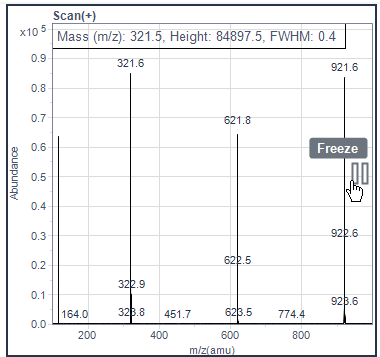
Freeze a spectrum to evaluate it while signals are acquired.
Hover over the Pause icon on the right border of the spectrum plot, and click when it becomes active.
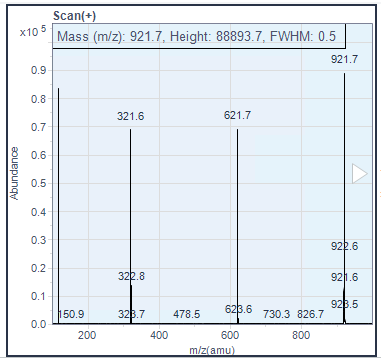
The frozen spectrum is shown with blue background.
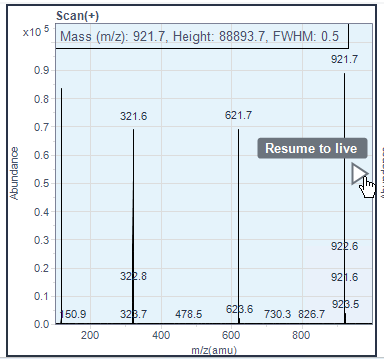
To unfreeze a frozen spectrum, hover over the Resume icon, and click when it becomes active.
Alternatively, click the corresponding spectrum check boxes on the left two times, to hide and then show the spectrum again. Hidden spectra always resume live streaming when shown again.
base-id: 14054828939
id: 14054828939