Export the audit trail
As PDF, without preview:
-
Save your results.
Do not review the audit trail before exporting it. The review would be another unsaved change of the data.
In the Audit Trail window, click PDF Export.... If the button is inactive, save your results first.
Enter a filename and navigate to the location where you want to save the file.
-
Click Save.
As PDF, Microsoft Excel, or Microsoft Word, with preview:
In the Audit Trail window, click Print. If the button is inactive, save your results first.
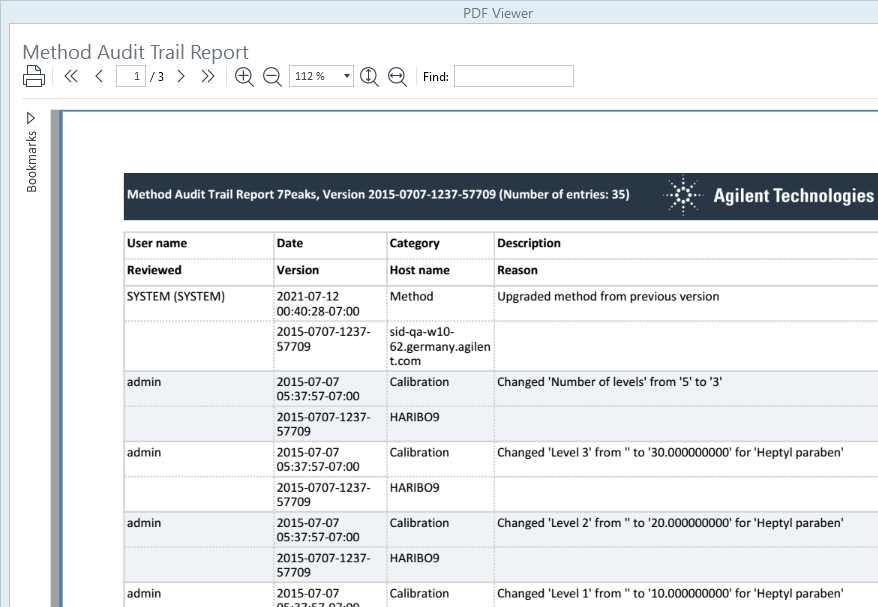
A preview of the printed audit trail report is shown in the Audit Trail Report window.
-
Click Print
 .
.
-
A Print dialog opens. Specify your print preferences and click Print
base-id: 11017518347
id: 18014409527000331