Add task lines
You can add a task line as part of your sequence run. A task line executes the steps defined in a task file.
To add a task line, do one of the following:
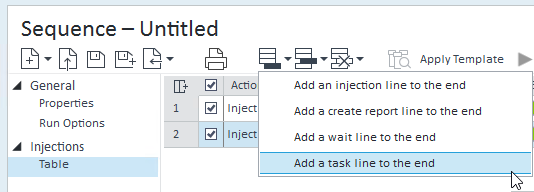
In the sequence table toolbar, click Add > Add a task line to the end to add a task line as the last line in your sequence.
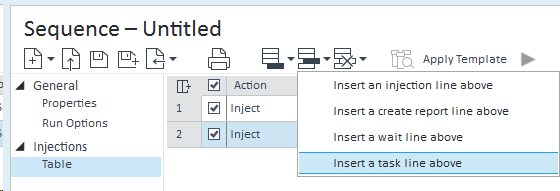
In the sequence table toolbar, click Insert > Insert a task line above to insert a wait line above the currently selected line in the sequence.
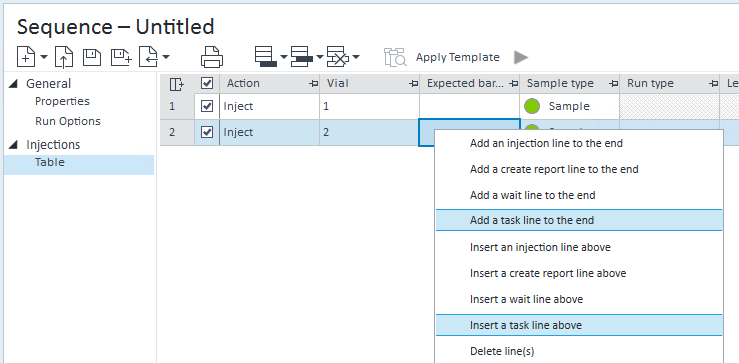
Right-click in the sequence table and select Add a task line to the end or Insert a task line above.
On the Task tab, select the required task file. To create a task file, see Tasks.

When you run a sequence and save results as one result set, the task file is stored in the result set folder.
Activity Log entries are created for each started task execution and for each completed task execution.
base-id: 13961459979
id: 13961459979