Hide the threshold line
Move the mouse over the dashed line in the MS Spectrum window.
A wheel is shown at both ends of the line that offers different functions. Click the light blue Hide Line section of the wheel.
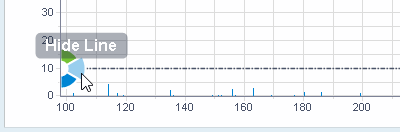
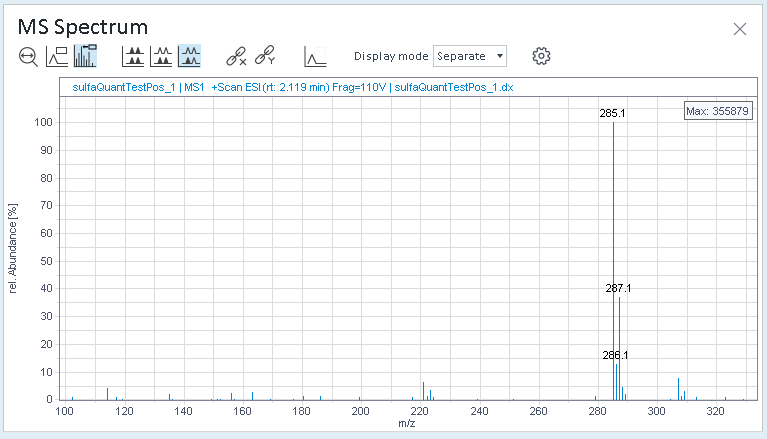
The threshold is still applied, but the dashed line is no longer visible in the MS spectrum.
Hiding the line does not change the processing method.
To show the line, again, right-click in the MS Spectrum window, and select Adjust peak threshold from the context menu.
base-id: 11017192075
id: 18014409526674059